Free Screeners: Yahoo Finance, Finviz, TradingView - A Complete Guide
Introduction
Looking to find great stocks without spending a dime? Free stock screeners like Yahoo Finance, Finviz, and TradingView help investors and beginners quickly search, filter, and analyze the markets.
What is a stock screener? It’s a free online tool that sorts stocks or ETFs based on your chosen criteria (like price, volume, or sector), giving you clarity in a sea of options.
Relatable Hook: Ever felt overwhelmed by thousands of stock choices? Imagine if you could narrow them down in seconds—free screeners make this possible and easy for beginners!
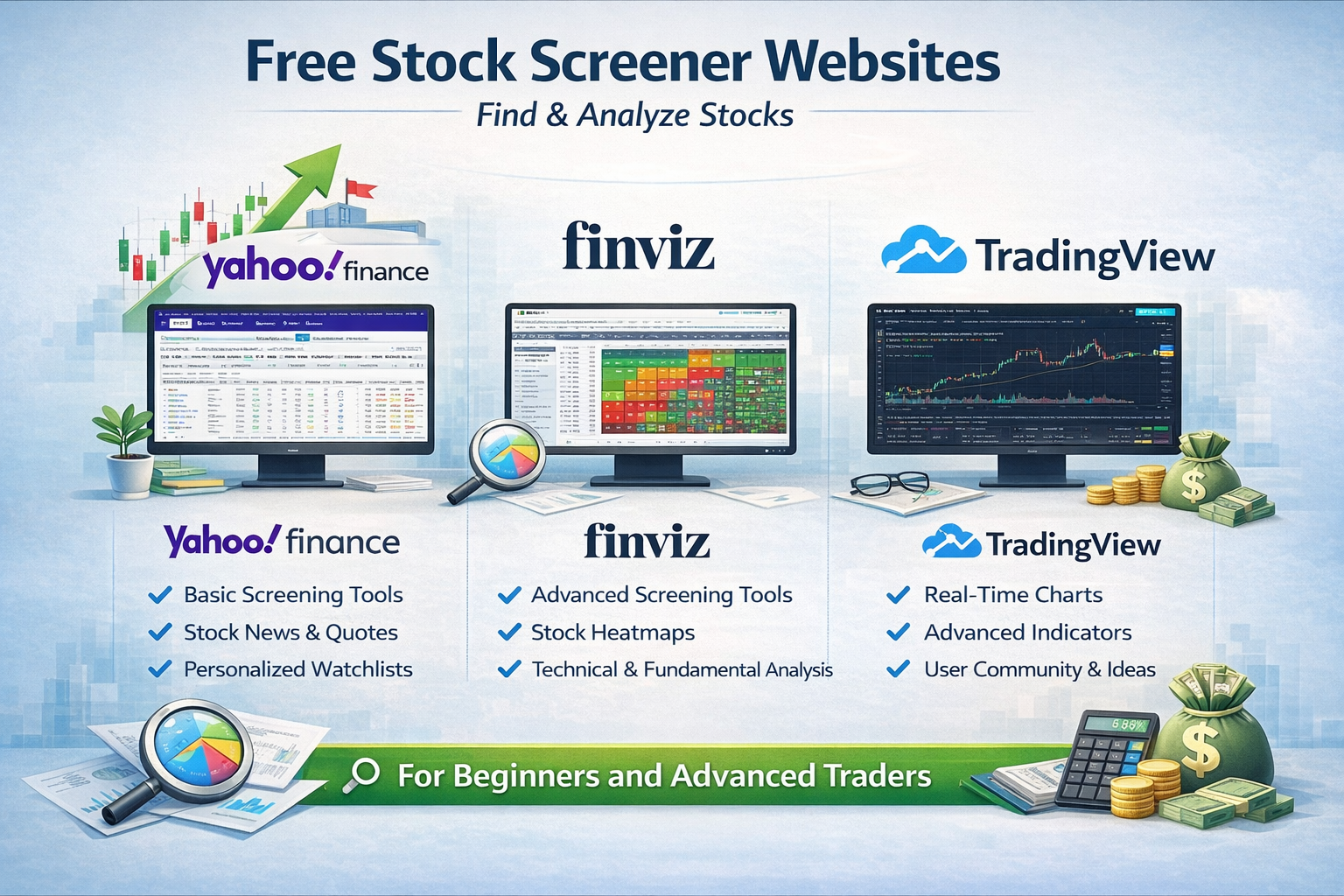
Step-by-Step Guide – Using Yahoo Finance, Finviz, and TradingView Screeners
- Pick your platform: Go to the Yahoo Finance Screener, Finviz Stock Screener, or TradingView Screener.
- Set main filters: Choose simple “filters” or “criteria.” Most beginners start with price, market cap, industry sector, and dividend yield. For example, filter for “Technology” sector and stocks under $25.
- Review the results: The screener shows a list of stocks that match your filters. You can click on any stock for more details, including news and charts.
- Customize further: Want more? Add or adjust filters like analyst ratings, trading volume, or financial ratios. All three screeners let you do this easily with drop-down options.
- Save or export: Many screeners (especially Yahoo Finance and TradingView) let you save your settings or export the results for tracking.
Detailed Breakdown: Yahoo Finance vs Finviz vs TradingView
- Yahoo Finance Screener: User-friendly, integrates with Yahoo portfolios, lots of data and news on each stock.
- Finviz Stock Screener: Fast, visually rich, with powerful charts and technical indicators. Also offers a popular “heatmap.”
- TradingView Screener: Best for live charts, multiple asset classes (stocks, crypto, forex), and attractive interface for chart lovers.
Advantages of Using Free Screeners
- Cost-effective: There’s no charge to use these basic features.
- Ease of use: Beginner-friendly design gets you started in minutes.
- Saves time: Instantly cuts through thousands of stocks.
- Customizable: Tailor your search to your interests.
- Updated Data: Get real-time or near-real-time prices and news.
Disadvantages & Limitations
- Feature limits: Premium analytics or export options may need a paid upgrade (e.g., more filters or export tools on Finviz, full charting tools on TradingView).
- Data delays: Free versions may have slight delays (not always real-time).
- Basic analytics: Some in-depth financial or options data might be missing in free plans.
Alternative Investment Tools
- ETF and Mutual Fund Screeners: For broader or managed investments.
- Robo-Advisors: Automated, low-cost portfolio management (e.g., Betterment, Wealthfront).
- Stock News Aggregators: Sites like Seeking Alpha or MarketWatch to stay updated on trends.
- Financial Planning Apps: Simplifi, Personal Capital for budgeting plus investing.
Beginner’s Tips with Free Screeners
- Start simple: Pick just 2–3 main filters to avoid overwhelm.
- Read up: Use the platform’s learning guides or help sections.
- Track regularly: Re-run your favorite screeners every week to spot changes.
- Don't chase "hot stocks": Focus on consistent criteria, not trends.
- Use “watchlists”: Build lists on Yahoo Finance or TradingView to monitor picks.
Advanced Tips for Experienced Traders
- Combine technical and fundamental filters (e.g., P/E ratio + RSI indicator).
- Screen international stocks (Finviz and TradingView support global markets).
- Automate scans and alerts (set up notifications for price/volume spikes).
- Backtest your strategies using TradingView’s scripting tools.
FAQs: Free Screeners - Yahoo Finance, Finviz, TradingView
- Are these screeners really free?
- Yes, Yahoo Finance, Finviz, and TradingView all offer free versions with plenty of useful features for beginners.
- Which screener is best for day trading?
- TradingView is popular for active traders due to its excellent live charts and indicators.
- Do I need to register?
- Yahoo Finance and TradingView require free accounts to unlock all screener features, while Finviz’s basic screener is available instantly.
- Can I use these for crypto or forex?
- TradingView offers screeners for both stocks and cryptocurrencies; Finviz is focused on stocks, and Yahoo Finance covers stocks and ETFs.
Summary: Free screeners from Yahoo Finance, Finviz, and TradingView empower investors to find stocks quickly, even with little experience. With user-friendly tools, customizable filters, and real-time data, these platforms are a great starting point for beginners and still powerful enough for seasoned traders.