In essence, these filters help you identify companies that are
attractively valued (low PE), showing
strong earnings growth (high EPS growth), and demonstrate
efficient use of their equity (high ROE).
Relatable Hook for Beginners: Imagine shopping for a new phone. You want the best performance, great reviews, and a reasonable price. Stock filters work the same way—they narrow your choices to the most promising options!
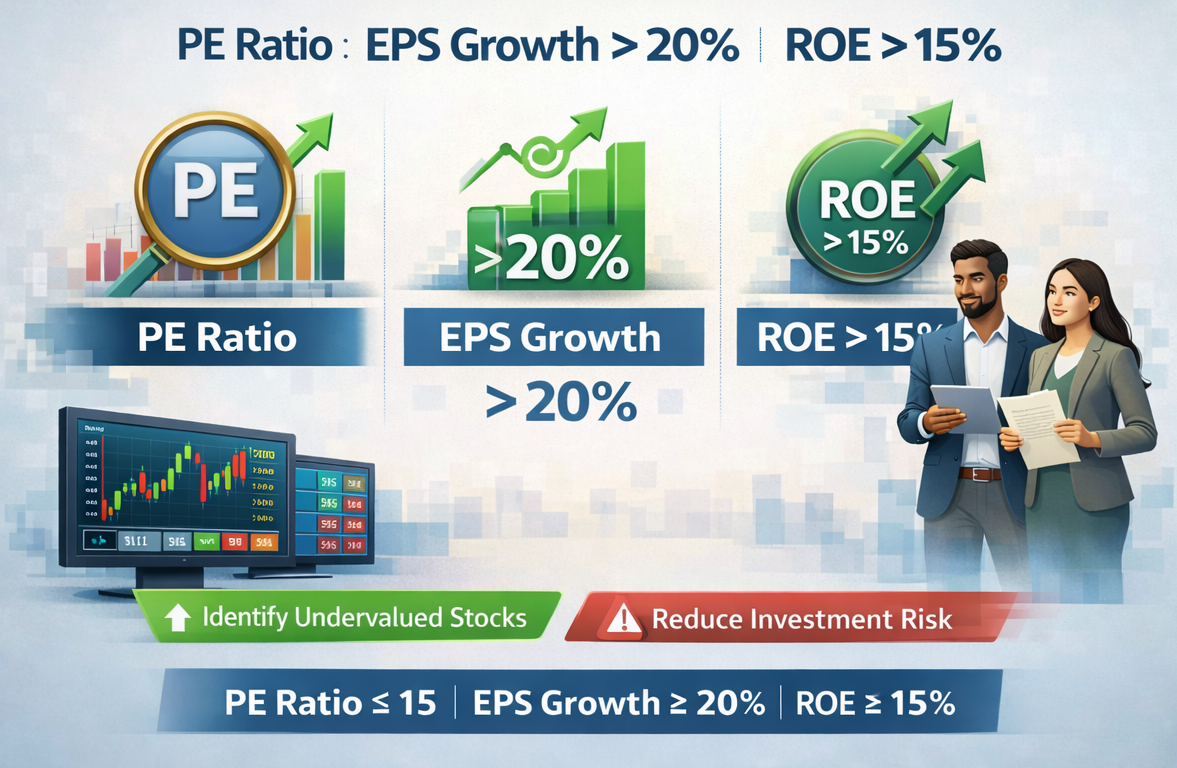
Step-by-Step Guide to Using Custom Filters: PE Ratio < 20, EPS Growth > 20%, ROE > 15%
- Pick a Stock Screener
Choose a reliable stock screener—examples include Yahoo Finance, TradingView, or your stock broker’s platform.
- Set Filter 1: PE Ratio < 20
This narrows down stocks to those not overpriced relative to their earnings.
- Set Filter 2: EPS Growth > 20%
EPS (Earnings Per Share) growth shows which stocks are growing profits faster than others.
- Set Filter 3: ROE > 15%
ROE (Return on Equity) tells you which companies are putting shareholder money to good use.
- Review Results
Now, you’ll see a list of stocks that fit all three criteria—these are companies with strong fundamentals, growing profits, and fair prices.
- Do Further Research
Dive deeper: look at industry trends, company news, and management before investing.
Detailed Breakdown
- PE Ratio < 20: The Price-to-Earnings (PE) ratio compares a stock’s price to its per-share earnings. A lower PE means the stock is “cheaper” relative to profits.
- EPS Growth > 20%: This shows the company’s profits per share are growing quickly—a marker of business health and future potential.
- ROE > 15%: Return on Equity measures how efficiently a company uses its capital. High ROE companies are often run well and deliver shareholder value.
Advantages of Using These Custom Filters
- Saves Time: Quickly narrows down hundreds of stocks to the best prospects.
- Targets Strong Companies: Focuses on financially healthy and well-managed businesses.
- Reduces Risk: Helps avoid overpriced or low-growth stocks.
- Combines Value and Growth: Captures the best of both investing worlds.
Disadvantages of Custom Filters: PE Ratio < 20, EPS Growth > 20%, ROE > 15%
- May Miss Future Stars: Some quality stocks (like tech startups) may have high PE or low current ROE, and will be filtered out.
- Market Conditions Matter: During bull markets, even strong companies might not meet all thresholds.
- No Guarantees: Past financials don't always predict future performance.
Alternative Investment Options
- Index Funds: Great for beginners—track the whole market without picking individual stocks.
- Dividend Stocks: Consider companies known for regular dividend payments.
- Mutual Funds: Professionally managed, cover various sectors and risk levels.
- ETFs (Exchange Traded Funds): Like mutual funds, but trade like stocks.
Beginner’s Tips
- Start with small investments while learning.
- Review results critically—don’t rely on filters alone.
- Stay updated with company news and financials.
- Ask for help from investment communities if you’re stuck.
Advanced Variations for Experienced Traders
- Tweak filter thresholds (e.g., lower PE to 15, raise ROE to 18%).
- Add extra filters like Debt/Equity ratio or Free Cash Flow growth.
- Backtest your strategy with historical data for better results.
- Combine with technical analysis for timing entries and exits.
FAQs
What’s the main benefit of using PE ratio < 20, EPS growth > 20%, and ROE > 15% filters?
These custom filters help you quickly identify stocks that are fairly valued, growing earnings fast, and are managed efficiently.
Is it safe to rely entirely on these filters?
No filter is foolproof—use them as a starting point, then do your own research before making investment decisions.
Can I use these filters for markets outside the US?
Yes! These financial metrics apply globally, but always check for local market nuances.