Order Types: Market, Limit, Stop, and Stop-Limit Orders Explained
Introduction
Trading on the stock market is easier than ever, but understanding the different order types—market, limit, stop, and stop-limit orders—is essential for making smart investment decisions. Each serves a unique purpose, and mastering them offers clarity and control when buying or selling stocks.
If you're just starting out, the world of trading can seem overwhelming. Maybe you've wondered, "How do I make sure I buy or sell at the price I want?" This guide will break down each order type, step-by-step, using simple language and real-life examples.
What Are Order Types?
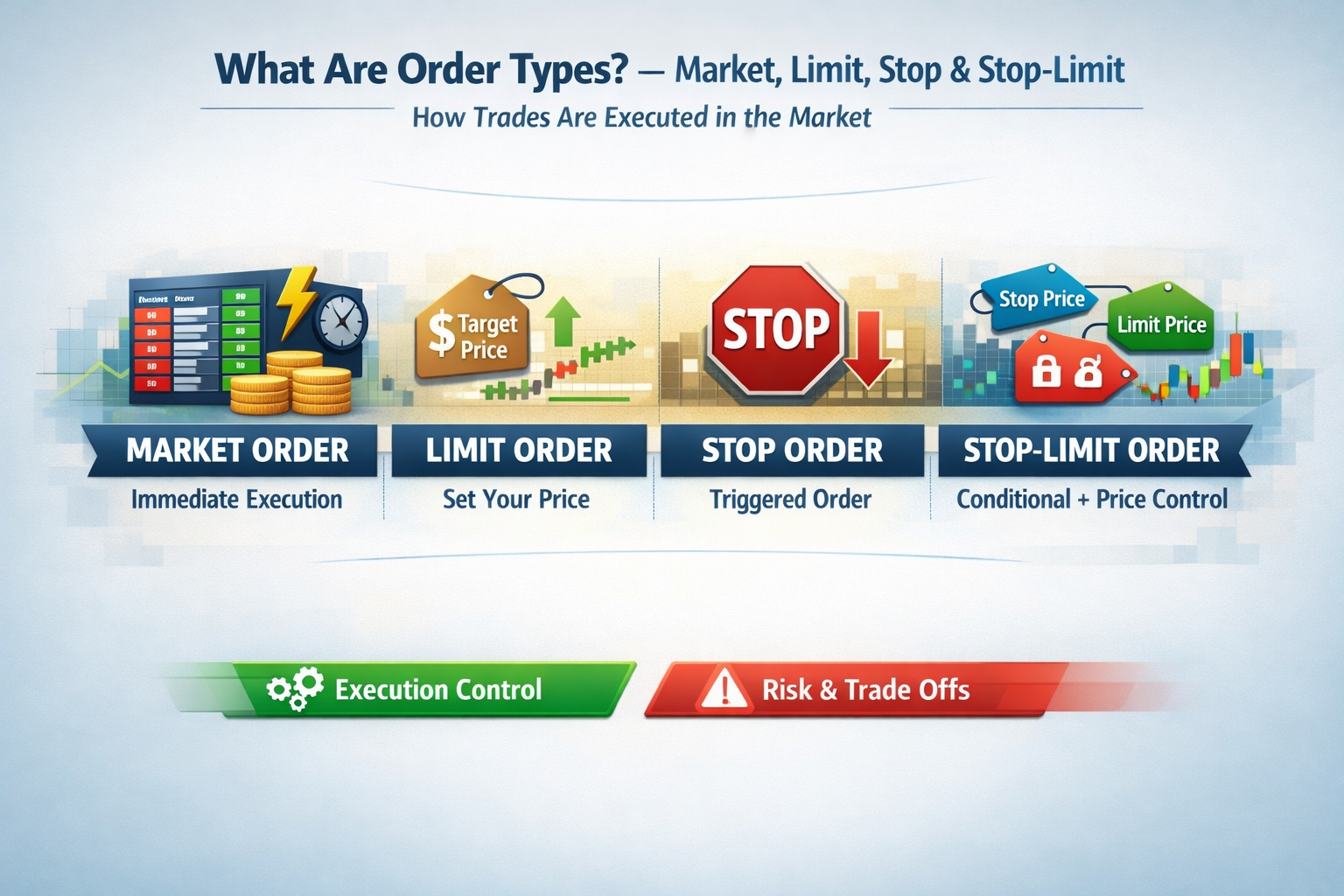
Order types refer to instructions you give your broker about how and when to buy or sell a stock. The main types are:
- Market Order: Buys or sells instantly at the best available price.
- Limit Order: Buys or sells only at the price you set or better.
- Stop Order: Turns into a market order once a set price ("stop" price) is reached.
- Stop-Limit Order: Becomes a limit order rather than a market order when your stop price hits.
Essence: Knowing which order type to use gives you more control, precision, and peace of mind as an investor.
Step-by-Step Guide: How to Use Market, Limit, Stop, and Stop-Limit Orders
- Choose Your Stock: Decide what company or ETF you want to trade.
- Select an Order Type: Your trading platform will ask if you want to place a market, limit, stop, or stop-limit order.
- Set Your Price (If Needed):
- For market orders: No need to enter a price—it’ll buy or sell right away at the best price.
- For limit orders: Enter your maximum buy price or minimum sell price.
- For stop and stop-limit orders: Set your “stop” price (the trigger) and, for stop-limit, a limit price as well.
- Confirm the Order: Double-check details and click ‘Submit’!
Diving Deeper: Each Order Type Explained
1. Market Order
Market orders execute immediately at the current best market price. This is the default and simplest order type.
2. Limit Order
A limit order ensures you only buy below (or sell above) a set price. If the market never hits your target, the order won’t execute.
3. Stop Order (Stop-Loss Order)
A stop order becomes active only when the stock hits a certain price (the “stop price”). It’s often used to limit losses (“stop-loss”).
4. Stop-Limit Order
A stop-limit order is a combo: Once your stop price is hit, a limit order is placed at your chosen price. It gives extra price control, but the order may not fill if the limit can’t be matched.
Advantages of Market, Limit, Stop, and Stop-Limit Orders
- Market Order: Fast execution—good for highly liquid, major stocks.
- Limit Order: Guarantees a minimum price for selling or a maximum for buying.
- Stop Order: Automates selling if a stock drops, protecting against bigger losses.
- Stop-Limit Order: Combines automation with the precision of a limit price.
Disadvantages to Watch For
- Market Orders: No control over the price—could get a worse deal in fast-moving markets.
- Limit Orders: Order might not fill if price is never reached.
- Stop Orders: In a quick price drop, you might sell much lower than your stop price.
- Stop-Limit Orders: In sudden moves, neither the stop or limit might be matched, so no sale happens, leaving you exposed.
Alternative Investment Options
- Mutual Funds: Pooled investments handled by pros—no order types to manage.
- Robo-Advisors: Automated, hands-off investing with diversified portfolios.
- Index Funds or ETFs: Diversified, lower-risk options without needing to worry about individual order types.
Beginner’s Tips on Order Types
- Use market orders for highly liquid large company shares.
- Try limit orders for less liquid stocks or if you want price control.
- Never “set and forget”—keep an eye on active orders, especially stop or stop-limit.
- Start with small trades as you learn how order types work.
Advanced Variations for Experienced Traders
- Trailing Stop Orders: The stop price moves up as the stock rises, locking in profits.
- Fill-or-Kill (FOK): Must execute immediately in full, or not at all.
- Good-Til-Canceled (GTC): Stays open until it’s filled or you cancel it, up to 60–90 days.
Frequently Asked Questions: Market, Limit, Stop, and Stop-Limit Orders
- What is the safest order type for beginners?
- Limit orders offer price protection, but market orders work well for popular stocks during market hours.
- Can I cancel or change my order after it's placed?
- Yes, if it hasn’t been executed yet. Always double-check before submitting!
- Do all brokers offer all these order types?
- Most do, but check with your broker for specifics or mobile app features.
- Are stop-loss and stop orders the same?
- Yes, a stop order is often called a “stop-loss,” especially when used to protect against downside.
Conclusion: Take Control with the Right Order Type
Understanding market, limit, stop, and stop-limit orders is your first step toward smarter, more confident trading. As you get comfortable, you can use these tools to fit your investment goals—whether you want speed, control, or protection. Happy trading!